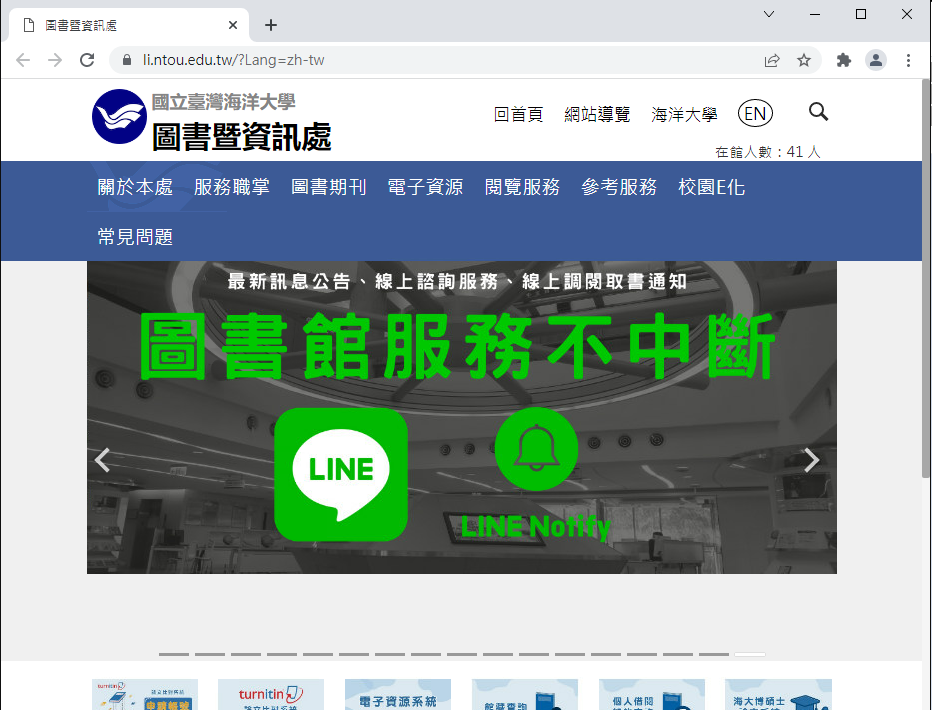
Electronic Resources System
Search for databases and electronic resources. Click the resource URL and authenticate with your university email username and password.
View instructions →National Taiwan Ocean University | Office of Library and Information Technology
You can access university-subscribed electronic resources off campus or from student dormitories. Choose the method that suits you, then follow the instructions.
Looking for journals, e-books or databases? Try the Electronic Resources System first. No VPN installation is required.
Search for databases and electronic resources. Click the resource URL and authenticate with your university email username and password.
View instructions →Apply for VPN service, choose VPN5 or VPN6 for your network environment and set up multifactor authentication.
Choose a VPN guide →Log in to the Virtual Computer Classroom and open Library Electronic Resources under Applications. Complete the software setup before first use.
View instructions →For direct access to databases, electronic journals and e-books.
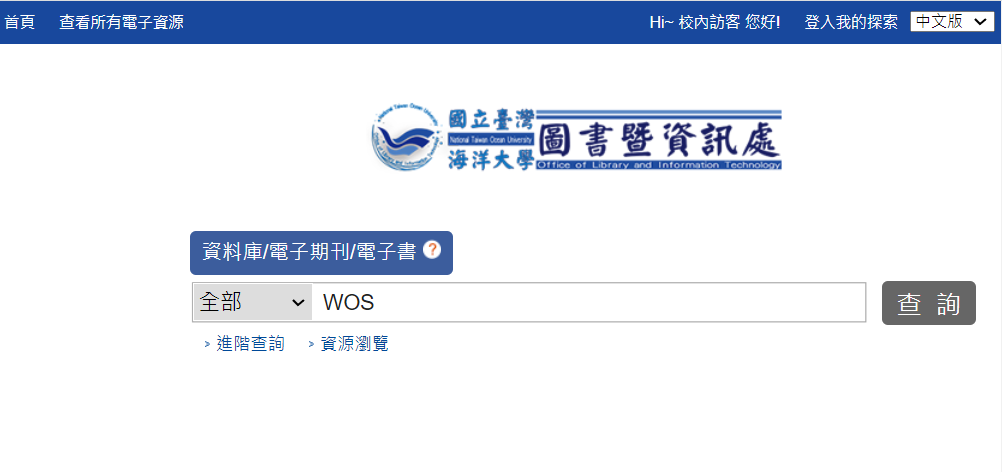
Open the Electronic Resources System and search by database name, such as Web of Science.
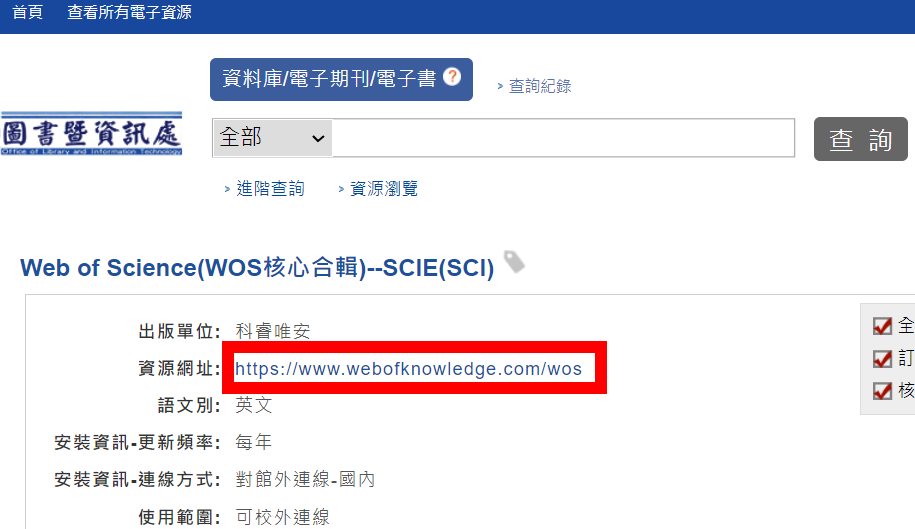
Select the database you need, then click Resource URL.
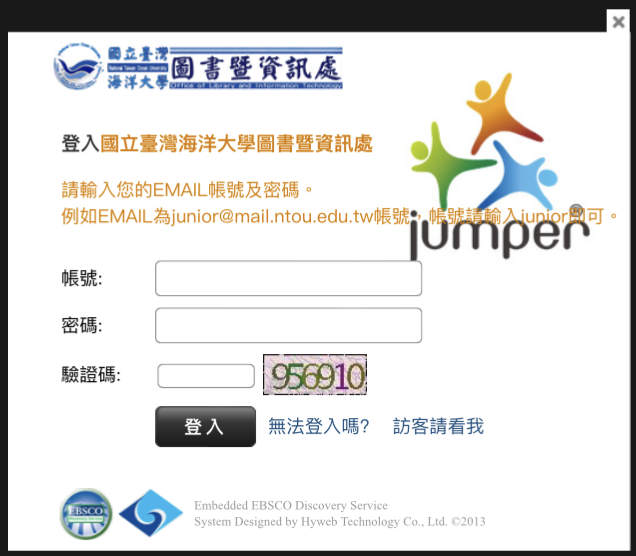
When the authentication window appears, enter your university email username and password. Access is available after successful authentication.
Examples include a fixed IP connection, a home router or a dormitory router configured to dial automatically. Choose VPN5 (IPSec) or VPN6 (SSLVPN) as needed.
For connections such as PPPoE, use VPN6 (SSLVPN). This applies to student dormitories, including Mulan Student Dormitory, when using this connection method.
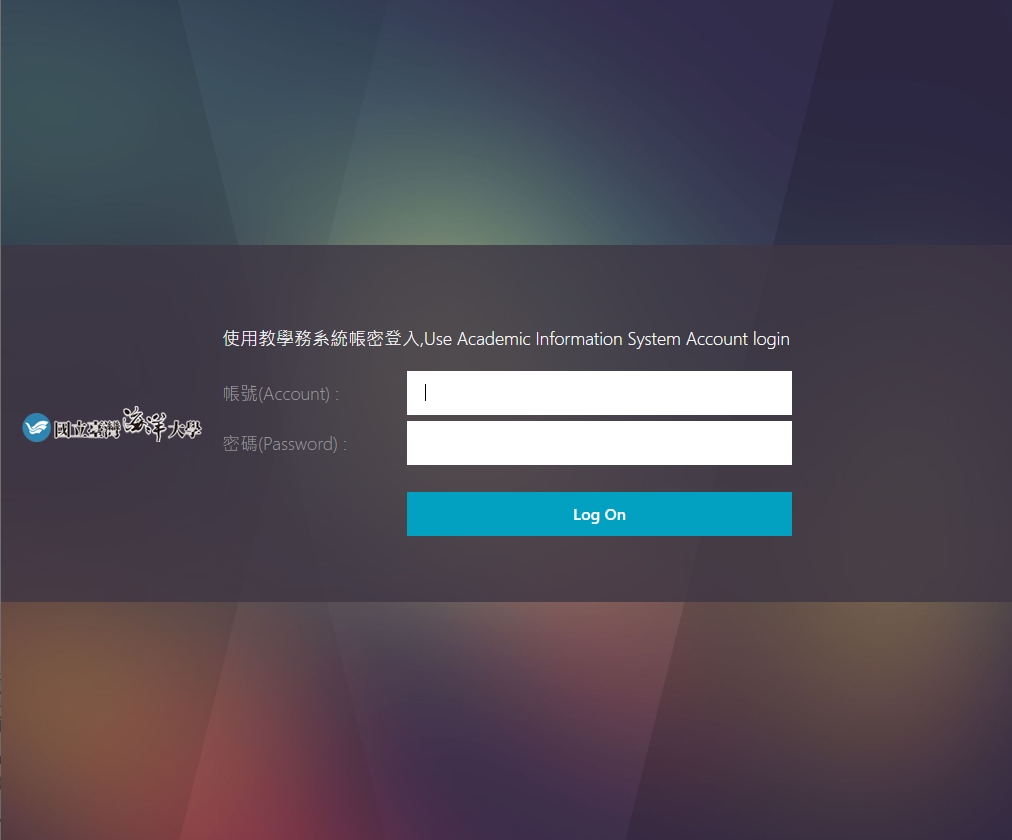
Open the Virtual Computer Classroom website and log in with your Academic Information System username and password.
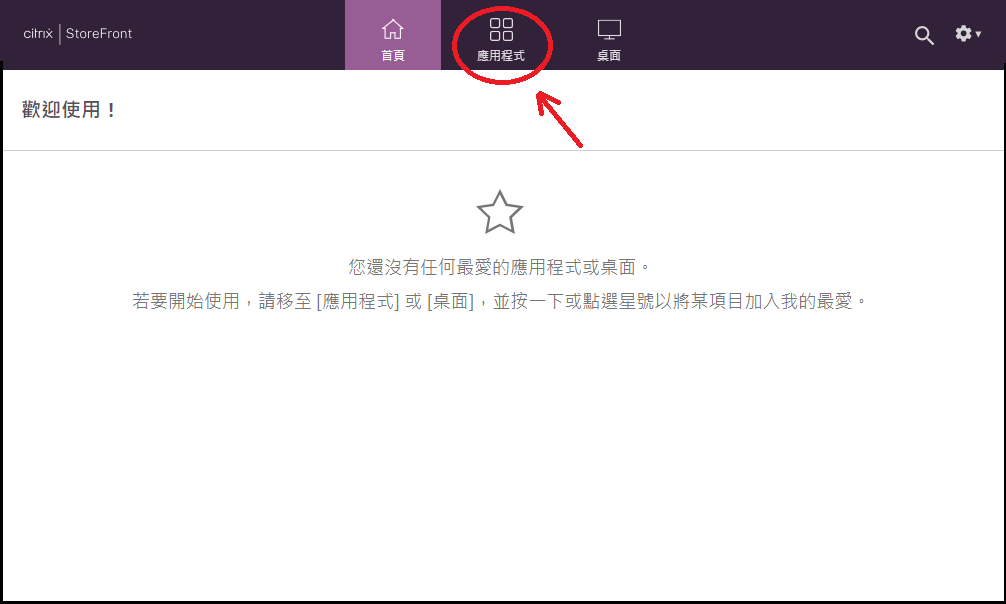
After logging in, click Applications.
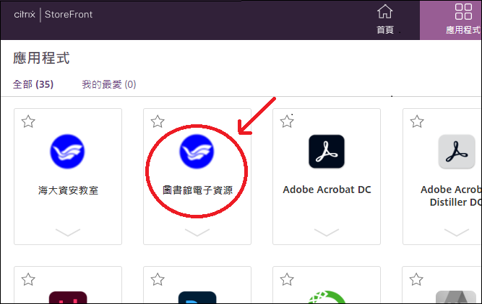
Click Library Electronic Resources.
Wait while the screen shows that the application is starting.

Once started, a browser opens to the library website. Use electronic resources from this browser window.